 Home
HomeE-Statements
Go paperless with E-Statements and E-Documents and enjoy secure access to your account information—anytime, anywhere—via Legend Bank Online Banking or our Mobile Banking App.



Experience service that makes banking feel personal again. Get local decision-making with all the modern conveniences — mobile banking, debit card rewards and more!
Experience service that makes banking feel personal again. Get local decision-making with all the modern conveniences — mobile banking, debit card rewards and more!
Experience service that makes banking feel personal again. Get local decision-making with all the modern conveniences — mobile banking, debit card rewards and more!
Experience service that makes banking feel personal again. Get local decision-making with all the modern conveniences — mobile banking, debit card rewards and more!
Experience service that makes banking feel personal again. Get local decision-making with all the modern conveniences — mobile banking, debit card rewards and more!

This feature uses Artificial Intelligence (AI) to generate responses. AI may occasionally make mistakes, so thank you for your patience and understanding.
Use the camera on your phone to scan the QR code for the app store you want to visit.
App Store
Google Play
Wireless carrier charges may apply
Click the button to visit your app store.



Go paperless with E-Statements and E-Documents and enjoy secure access to your account information—anytime, anywhere—via Legend Bank Online Banking or our Mobile Banking App.
Switch to electronic delivery and get your monthly statements and other important account notices securely through Online Banking and your Mobile Banking App. It’s faster, safer, more convenient, and better for the environment.
If you’re already an Online Banking customer, sign up for E-Statements by logging in to Online Banking and clicking on the “User Services” tab. In the “User Services” tab, click on the “E-Statement Sign-up” link.
If you’re not currently enrolled in free Online Banking, please click to enroll now. During the enrollment process you’ll be prompted to sign up for E-Statements.
If your E-Statement is not opening, check to make sure you have Adobe Reader installed on your computer. If not, click the link below for a free download. Pro Tip: Check to make sure your pop-up blockers allow pop-ups for our site.
You can save or print your statement or account notice once you have it open using the print menu from your computer browser window.
Questions? Contact us.
Wireless carrier charges may apply. Terms and conditions apply.
If you need help enrolling in E-Statements or accessing documents, please reach out to our team. You can also sign in to Online Banking for immediate access to your E-Statements and E-documents.
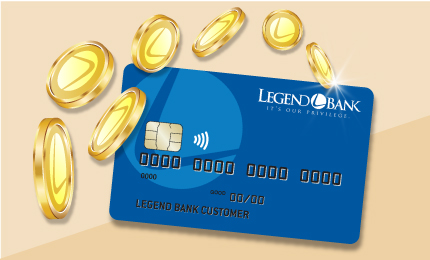
Earn rewards every time you use your debit card to shop, dine out, or pay bills — a simple way to turn everyday purchases into something extra.
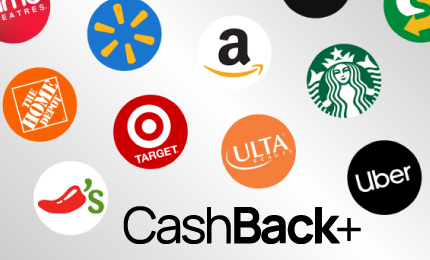
Earn instant cash back on everyday purchases from hundreds of national and local brands. Just buy gift cards using CashBack+ in Online Banking or our mobile app.